

Installing WordPress is only half the job. The plugins and tools you add decide how fast, secure, and easy to grow your blog will be. With more than 60,000 free plugins in the directory, choosing is hard, so here are the 24 plugins and tools I use and recommend to bloggers in 2026, grouped by job. If you have not picked a platform yet, see the best blogging platforms.
Updated October 2026: Google Analytics is now GA4, VigLink is now Sovrn Commerce, ShareASale is now part of Awin, VaultPress is now Jetpack VaultPress Backup, and Site Kit by Google replaced the discontinued WP Review Pro.
Quick List by Category
| Job | Plugins and Tools |
|---|---|
| Security and spam | Akismet, Jetpack, Jetpack VaultPress Backup |
| Content | Ultimate Blocks, WP Table Builder, Elementor, Canva |
| SEO and analytics | Rank Math, Semrush, Google Analytics 4, Search Console, Site Kit |
| Speed | W3 Total Cache |
| Email and leads | GetResponse, Thrive Leads, WPForms |
| Social | Social Snap, Missinglettr |
| Affiliate marketing | WP Coupons and Deals, ThirstyAffiliates, Sovrn Commerce, Awin |
| Productivity | Trello, Todoist |
1. Akismet

Spam comments with junk links show up on every new blog. Akismet, made by Automattic, checks every comment and form submission and blocks spam automatically. It is free for personal blogs; commercial sites need a paid plan. See how to stop spam comments.
Key features:
- Blocks comment and form spam
- Free for personal blogs
- Pre-installed on many hosts
2. Jetpack

Jetpack, also from Automattic, bundles many useful features in one plugin. The free version covers the basics; backups, malware scanning, and advanced stats are paid add-ons.
Key features:
- Site stats (free for personal sites)
- Brute force protection and downtime monitoring
- Image CDN and lazy loading for speed
- Related posts and automatic social sharing
3. Ultimate Blocks

Ultimate Blocks adds 25+ blocks to the WordPress block editor, designed for bloggers and marketers. Use it to make posts more engaging and easier to read. See more block editor plugins.
Key features:
- Table of contents and review box with schema
- Call to action, tabs, and accordion
- Click to tweet, star rating, and countdown
- Free, with a Pro version
4. Rank Math

Rank Math is one of the most popular WordPress SEO plugins, used on more than 4 million sites. The free version covers almost everything a blogger needs.
Key features:
- Focus keyword and content analysis
- XML sitemaps and schema markup
- Redirections and 404 monitor
- Search Console data in your dashboard
5. Semrush

While Rank Math optimizes your pages, Semrush helps with research: competitor keywords, keyword research, backlinks, rank tracking, and site audits. It has a limited free account; try Pro free with our trial link.
Key features:
- See competitors’ best keywords
- Find keywords to target
- Track rankings and audit your site
6. Google Analytics 4

GA4 is free and shows who visits your blog, where they come from, and which posts they read. See how to set up GA4 on WordPress, or compare other web analytics tools.
Key features:
- Traffic sources and top pages
- Automatic event tracking
- Free
7. Google Search Console

Search Console is my favorite free SEO tool. Every week I check which searches bring traffic and which posts could get more clicks with a better title. It also shows indexing problems, links to your site, and Core Web Vitals. See how to increase CTR.
Key features:
- Search queries and positions
- Indexing and sitemap reports
- Free, straight from Google
8. Site Kit by Google
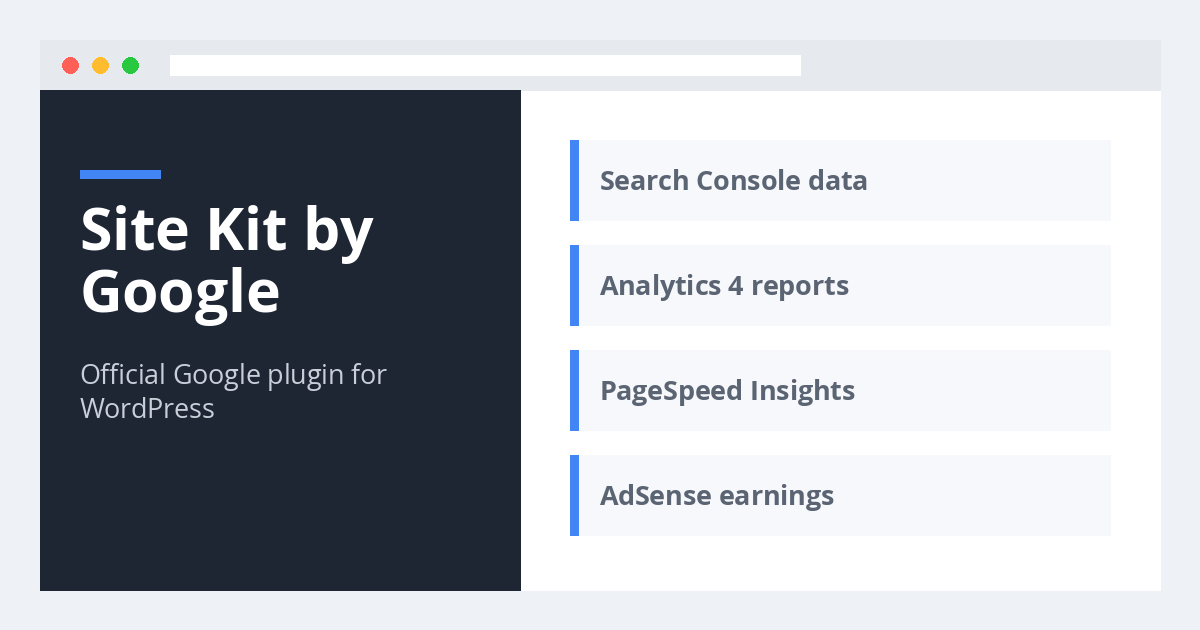
Site Kit is Google\’s official WordPress plugin. It connects Search Console, Analytics 4, PageSpeed Insights, and AdSense, and shows their key numbers inside your dashboard, so beginners do not need to add any code.
Key features:
- Official and free
- Easy GA4 setup
- Google data in your dashboard
9. Jetpack VaultPress Backup

Things go wrong: bad updates, hacks, host failures. Jetpack VaultPress Backup (formerly VaultPress) saves real-time backups of your site to the cloud and lets you restore with one click, even if your site is down.
Key features:
- Real-time cloud backups
- One-click restore
- Activity log
10. W3 Total Cache

W3 Total Cache speeds up your blog with page caching, minification, and CDN support, used on around 900,000 sites. If your host uses LiteSpeed, LiteSpeed Cache is a simpler alternative. See how to set up Cloudflare.
Key features:
- Page, browser, and object caching
- Minify CSS and JavaScript
- CDN integration
11. GetResponse

Not building an email list is one of the most common blogging mistakes, and I made it too. GetResponse is an easy email marketing service with newsletters, automation, landing pages, and a free plan for small lists. Compare other email marketing services.
Key features:
- Free plan to start
- Automation and autoresponders
- Landing pages and signup forms
12. Thrive Leads

GetResponse manages your list; Thrive Leads helps you grow it. It creates popups, slide-ins, inline forms, and sticky bars with A/B testing, targeting, and exit-intent triggers. See more exit intent popup plugins.
Key features:
- Every type of opt-in form
- A/B testing and targeting
- Works with all major email services
13. WPForms

Every blog needs a contact page so readers, brands, and advertisers can reach you. WPForms lets you build contact forms, surveys, and more with drag and drop, and the free WPForms Lite is enough for a contact form. See how to create a contact page.
Key features:
- Drag and drop builder
- Spam protection
- Free version available
14. Elementor

Elementor is the most popular WordPress page builder, with more than 10 million installs. Use it to design a homepage, landing page, or sales page visually without code.
Key features:
- Visual drag and drop editor
- Ready-made templates
- Free version available
15. Social Snap

Social Snap adds fast, good-looking share buttons and click to tweet boxes, and can recover share counts after moving to HTTPS. See more social sharing plugins.
Key features:
- Share buttons and click to tweet
- Share count recovery
- Free and Pro versions
16. Missinglettr

Most bloggers share a post once and forget it. Missinglettr turns each post into a social media campaign that shares it automatically over the following months, with quotes and images generated for you to approve.
Key features:
- Automatic drip campaigns
- Generates posts and images
- Free and paid plans
17. WP Table Builder

Tables make posts easier to scan, help win featured snippets, and boost affiliate clicks. WP Table Builder lets you build comparison and pricing tables with drag and drop, no code needed. Compare more table plugins.
Key features:
- Drag and drop table builder
- Responsive tables
- Free, with a Pro version
18. WP Coupons and Deals

Coupon and deal posts are among the best affiliate sales generating post types. WP Coupons and Deals hides the code until the reader clicks your affiliate link, adds click to copy, and offers several templates. Read our full review.
Key features:
- Hidden coupon codes
- Click to copy
- Multiple templates
19. ThirstyAffiliates

ThirstyAffiliates manages your affiliate links: it turns long URLs into clean branded links, tracks clicks, and lets you update a link in one place. See how to hide affiliate links and more affiliate plugins.
Key features:
- Link cloaking and branding
- Click tracking
- Free and Pro versions
20. Sovrn Commerce
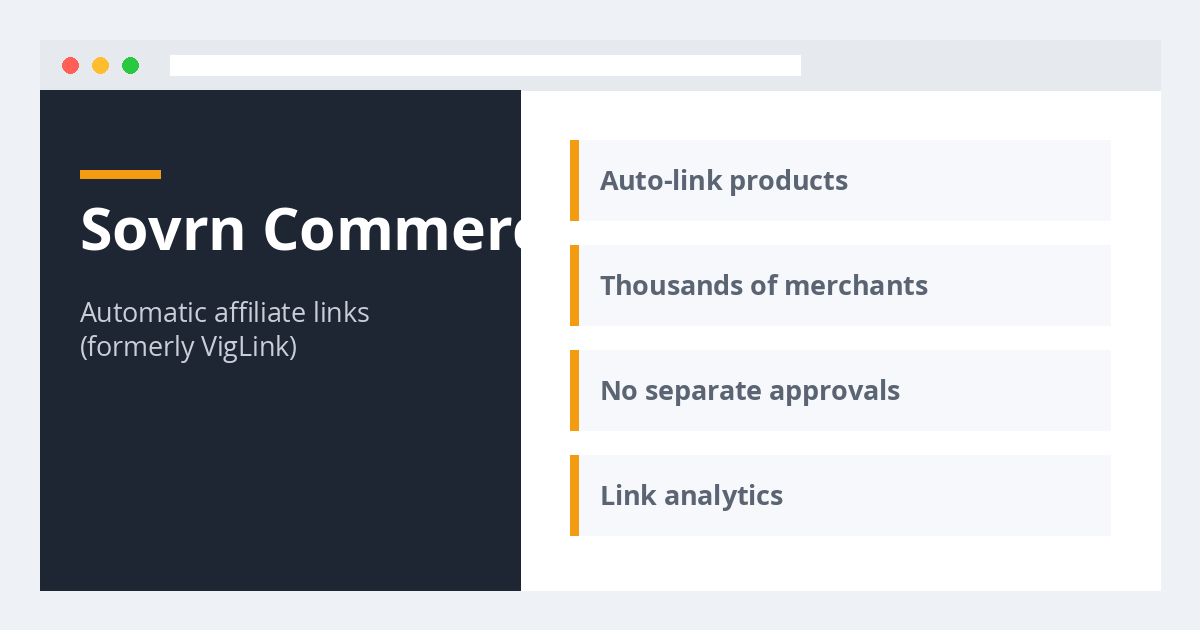
Sovrn Commerce (formerly VigLink) gives you access to thousands of merchants and turns normal product links into affiliate links automatically, so you can earn without joining every program separately. It is also a good way to discover programs that fit your audience.
Key features:
- Automatic affiliate links
- Thousands of merchants
- No separate approvals
21. Awin
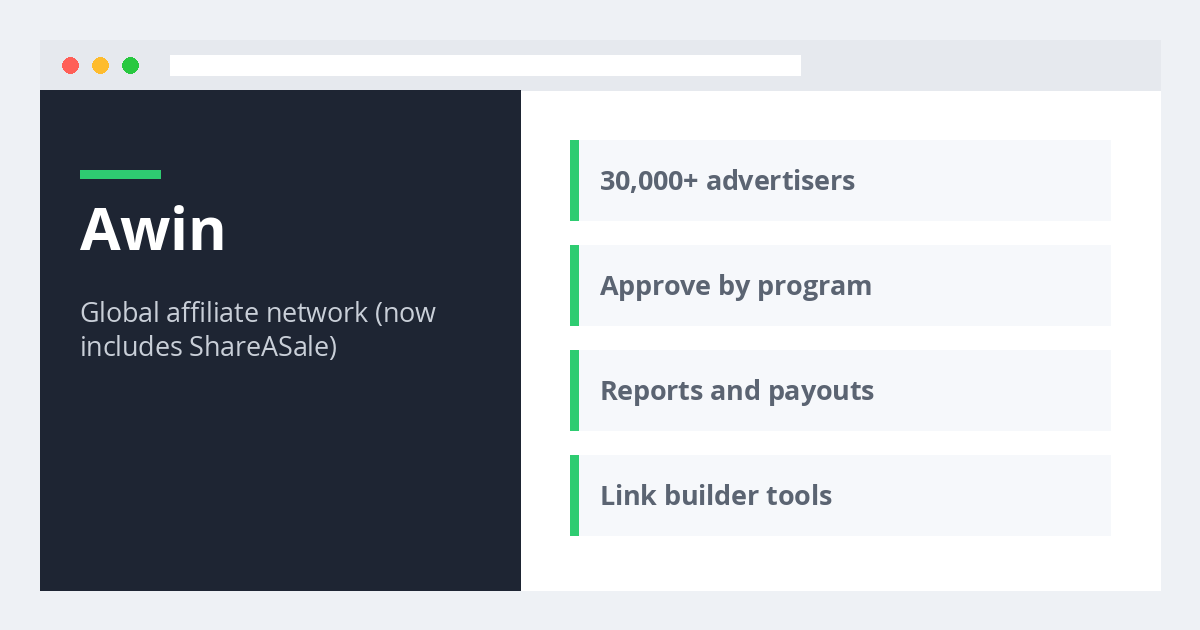
ShareASale, one of the most popular networks for bloggers, has merged into Awin. Awin gives you access to tens of thousands of brands in almost every niche, and you do not need a big blog to join. Compare more affiliate networks.
Key features:
- Programs in nearly every niche
- Beginner friendly
- Includes former ShareASale programs
22. Canva

Good images make posts better, but not every blogger is a designer. Canva lets you create featured images, pins, and social graphics from thousands of templates with drag and drop, plus AI tools. See Canva alternatives.
Key features:
- Thousands of templates
- Free plan
- AI image tools
23. Trello

Trello is a simple project management tool with boards and cards. I use it to plan content and manage several blogs and team members from one place.
Key features:
- Boards for each project
- Team collaboration
- Free plan
24. Todoist

Todoist is the only task manager I have stuck with. It is simple, syncs instantly across all devices, and makes it easy to plan your daily blogging tasks.
Key features:
- Apps for every device
- Recurring tasks
- Free plan
Do You Need All of These?
No. Too many plugins can slow your site and add security risk. A new blog only needs a few. My starter set:
- Must-have: Akismet, Rank Math, a cache plugin, a backup solution, and WPForms.
- Free Google tools: Search Console and GA4 (or Site Kit to set them up).
- When you start earning: an email service, ThirstyAffiliates, and Semrush.
Next, work through our on-page SEO checklist and the things to do after installing WordPress.
Frequently Asked Questions
How many plugins should a WordPress blog have?
There is no fixed number. Quality matters more than count. Most blogs run well with 10 to 20 well-maintained plugins. Delete any you do not use.
Which plugins are essential for a new blog?
An SEO plugin, a spam filter, a backup plugin, a cache plugin, and a contact form plugin.
Are free plugins safe?
Yes, if they come from the WordPress.org directory or a trusted developer and are updated regularly. Avoid nulled (pirated) premium plugins.
What are your favorite WordPress plugins and tools? Let us know in the comments.


Leave a Reply