-
·
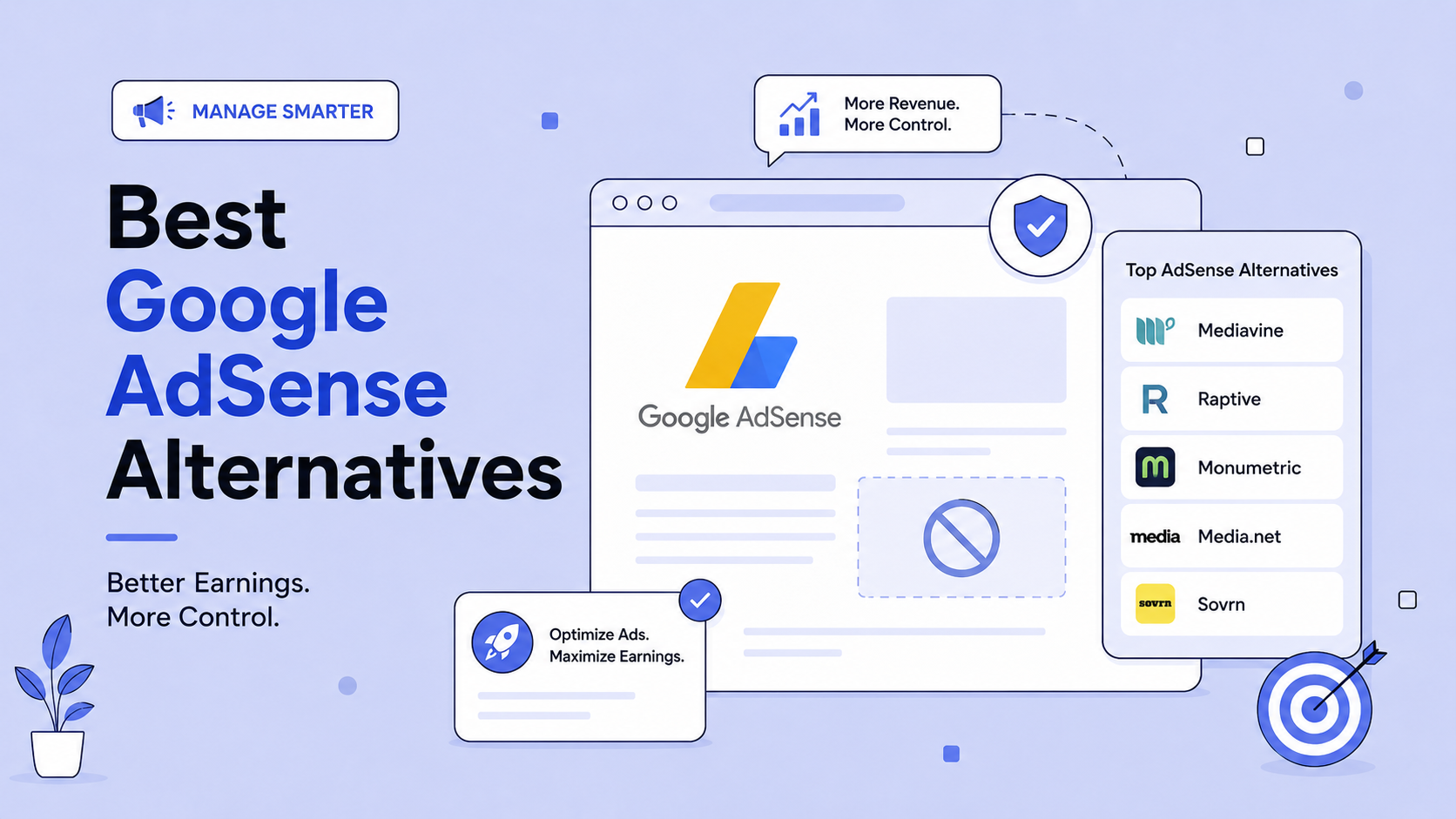
12 Best Google AdSense Alternatives in 2026 (Ranked and Compared)
Most people looking for an AdSense alternative are in one of two situations. Either AdSense turned them down, or AdSense approved them and the money turned out to be disappointing. The second group is much larger now than it used to be. AdSense stopped paying per click in early 2024 and started paying per impression…
-

·
How to Set Up Akismet in WordPress (Free Personal Plan Explained)
If your blog accepts comments, it will get spam: links to shady sites, fake compliments, and bot messages. Akismet is the most popular anti-spam plugin for WordPress. It checks every comment and form submission against its spam database and filters out the junk automatically. Akismet is made by Automattic, the company behind WordPress.com, and it…
-

·
10 Proven Ways to Monetize Your Blog Without AdSense
When I started blogging, AdSense was the only way I knew to make money. I even got approved with a free Weebly site. But once I moved to a self-hosted WordPress blog and got serious, I realized AdSense alone earned very little. So I started testing other ways, and several of them now earn far…
-

·
How to Find High Paying Keywords for Google AdSense (Step by Step)
Two AdSense sites can get the same traffic and earn wildly different amounts. The difference is usually the keywords: advertisers pay a few cents per click for some topics and $50 or more for others, and AdSense shares that bid with you. If your posts target low-value keywords, 40 clicks can pay under a dollar.…
-

·
How to Get Google AdSense Approval: 7 Things That Really Work
Would you believe my first AdSense application was for a WAP mobile site that had no place to put ads? It was rejected, of course. Back then I only knew that site owners could earn money from AdSense. Many new bloggers make similar mistakes, which is why AdSense is strict about who it approves. If…
-

·
How to Create a New Blog Post in WordPress (Beginner Guide)
You have set up your WordPress blog. Now it is time to write your first post. WordPress uses the block editor, where every paragraph, heading, image, and list is a block you can move and style. It is easier than it looks. Here is a complete beginner walkthrough. Step 1: Log In and Create a…
-

·
How to Block Certain Google AdSense Ads (Step by Step)
Sometimes AdSense shows ads you would rather not have on your blog: a competitor, a product you are promoting with your own affiliate link, low-quality or spammy advertisers, or categories that do not fit your audience. Google lets you block them in a few clicks. Here is how to do it in the current AdSense…
-

·
Can You Get AdSense Approval With A Subdomain Site?
I have been asked this question many times that “Can I get Adsense approval with Subdomain?” Before we dive to the answer here some information about Subdomain. Subdomain: A subdomain is a domain that is part of a top-level domain. For example, Blogspot.com is a top level domain and yourdomain.blogspot.com is a subdomain. Subdomain can be…
-
·
How to Add Google Custom Search (Programmable Search) to WordPress
WordPress’s built-in search is basic: it often ranks results by date rather than relevance, does not correct spelling, and struggles on large sites. Google’s free Programmable Search Engine (formerly Google Custom Search) gives your readers Google-quality results from your own site, and you can earn money from search ads by connecting AdSense. Here is how…
-
·
How to Set Backup Ads in Google Adsense
Sometimes you may notice that Google Adsense shows blank spaces instead of Ads. It mainly happens on blogs/websites having multi languages. If google Adsense unable to display ads for any reason it will display blank spaces. Adsense has an option called ‘Show other ads from another URL‘ to utilize the blank spaces. You can use…