
Setting up an online store with WooCommerce is already a solid start, but the right set of plugins can transform that store into a smoother, faster, and more engaging shopping experience. Many store owners gradually discover that extensions play a major role in improving workflows, enhancing customer interactions, and simplifying everyday tasks.
Instead of hunting through endless plugin lists, you can use this curated selection to identify tools that genuinely help an ecommerce store run better. The following list brings together some of the most useful plugins trusted by store owners across different industries, giving you a simple way to explore what could work best for your store.
Must-Have 15+ WooCommerce Plugins for an Ecommerce Store
1. Checkout Field Editor for WooCommerce
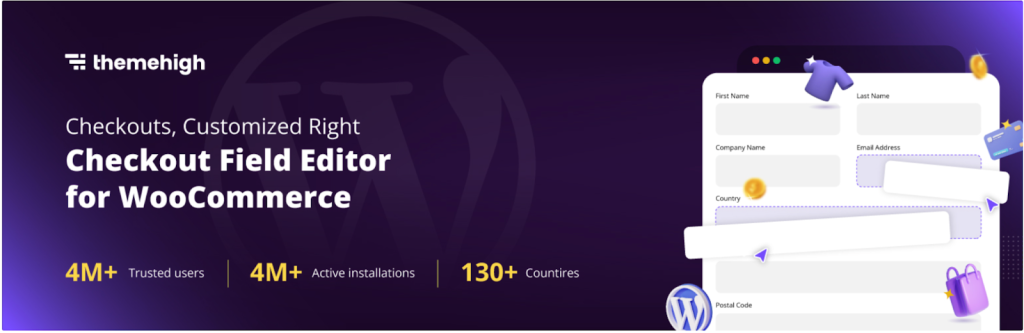
Checkout Field Editor for WooCommerce gives you complete control over the information your customers share during checkout. Checkout pages often need slight adjustments to match business needs, and this plugin helps you add, remove, or rearrange fields without touching code.
This plugin supports text fields, dropdowns, checkboxes, and more, making it easy to collect the right details for order processing. Store owners can customize fields based on user roles, set required fields, and improve the overall structure of the page. By refining the checkout flow, you help customers complete their purchases with fewer interruptions, which naturally supports better conversions. The plugin provides a flexible interface that works well for stores of all sizes.
2. Accessibility Tool Kit

WebYes Accessibility Toolkit helps website owners improve accessibility without any coding. It aligns with standards such as WCAG 2.1, ADA, and EAA, and allows site owners to apply accessibility-friendly configurations across WordPress and WooCommerce websites.
In addition to this, WebYes also offers a Chrome accessibility checker extension that helps identify common accessibility issues such as missing alt text, low contrast, and keyboard navigation gaps. There is also a WordPress accessibility widget plugin that allows visitors to adjust font size, contrast, cursor size, spacing, and other visual settings to improve readability and usability. While these tools do not guarantee full legal compliance, they help follow accessibility best practices and create a more inclusive user experience.
3. HubSpot
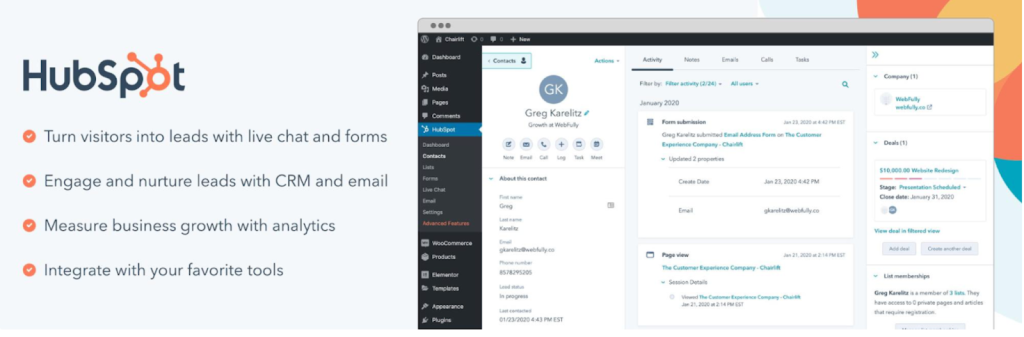
HubSpot provides an all-in-one toolkit for managing customer relationships, email marketing, and lead capture within your WooCommerce store. When you integrate HubSpot, your store activity automatically syncs with a central CRM, allowing you to track customer behavior and segment audiences more effectively.
The plugin offers forms, popups, live chat, and email automation tools, making it easier to nurture leads and understand buying patterns. It also includes dashboards that visualize customer journeys, helping store owners make informed decisions about marketing and engagement.
By connecting WooCommerce orders to your CRM, you gain a unified view of your customers without piecing data together from multiple sources. The combination of marketing tools and CRM features makes it a strong choice for scaling stores.
4. GDPR Cookie Consent
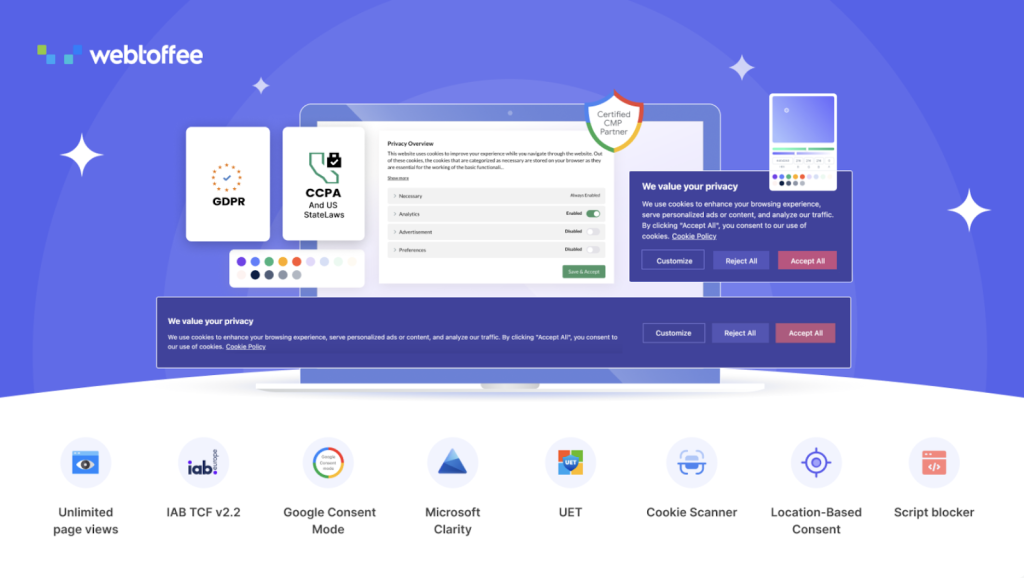
GDPR Cookie Consent helps store owners follow important privacy regulations by managing cookie notices and consent tracking. With this cookie consent plugin, you can display a customizable banner that informs visitors about cookie usage and allows them to grant or withdraw consent.
The WordPress cookie plugin blocks non-essential scripts until consent is obtained, helping your site remain compliant with GDPR and other privacy laws. It also includes categorization features, auto-scanning, and detailed logs that maintain records of user actions.
This makes it easier for eCommerce stores to build transparency and trust. The interface is simple enough for beginners while still offering advanced configuration options for stores that require more control over their privacy workflows.
5. Document Library Pro
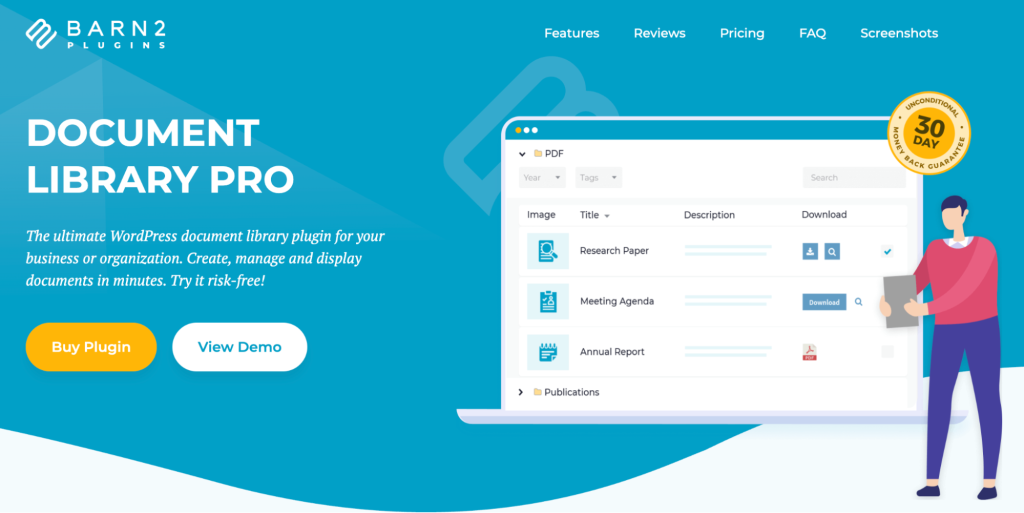
Document Library Pro is a powerful WordPress plugin that enables website owners to create organized, user-friendly document libraries. It provides an efficient way to publish and manage a wide range of resources, including manuals, policies, reports, research papers, and downloadable files, all within a professional and structured interface.
The plugin streamlines document management by allowing users to upload, categorize, and display files with ease. Visitors can quickly find the information they need using advanced search, sorting, and filtering features, making it ideal for websites that host large collections of documents and resources.
Designed for businesses, educational institutions, government organizations, nonprofits, and membership sites, Document Library Pro offers extensive customization options to match any website’s branding and design. Its intuitive setup and management tools make it accessible to users of all technical skill levels, helping organizations maintain a professional and easily navigable document repository.
6. Widgets for Google Reviews

Widgets for Google Reviews let WooCommerce store owners showcase customer feedback from Google directly on their websites. Displaying authentic reviews helps build trust and strengthen your brand’s online reputation.
With Widgets for Google Reviews, you can embed reviews as sliders, grids, or badges across product pages, landing pages, or sidebars. The plugin connects securely with your Google Business profile and updates reviews automatically, ensuring that visitors always see the latest feedback.
Customization options allow you to style the widgets to match your store’s design, making them blend naturally with your layout. By presenting social proof where buyers make decisions, you support higher conversions and stronger customer confidence.
7. Product Feed for WooCommerce
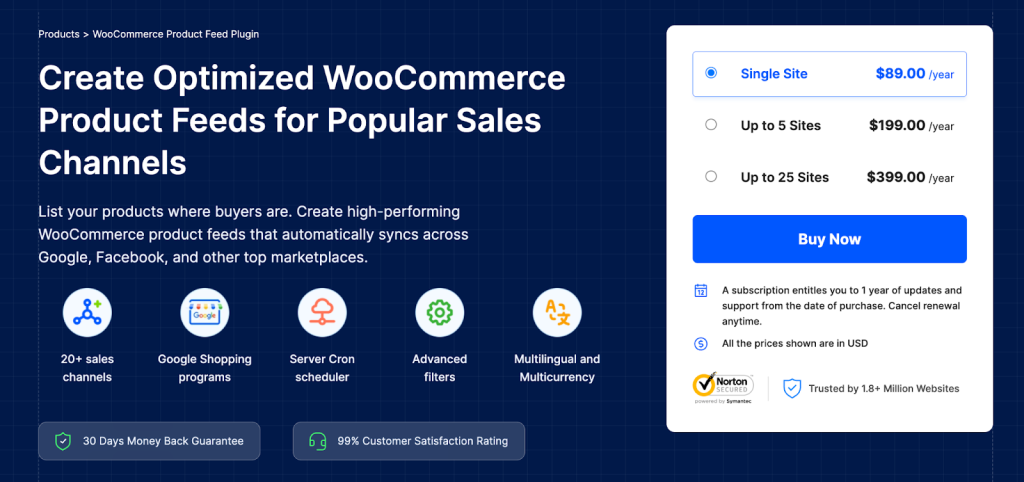
Product Feed for WooCommerce simplifies listing your products on major sales and advertising platforms. With this WooCommerce Product Feed plugin, you can generate optimized product feeds for Google Shopping, Meta, Pinterest, TikTok, and other marketplaces.
The plugin offers powerful filtering and mapping features, allowing you to fine-tune which items appear in each feed and how product attributes are presented. Scheduled updates ensure that your listings remain accurate as inventory and pricing change.
Its ability to generate multiple feeds at once saves time for store owners who manage several channels. By helping your products reach a wider audience, the plugin supports better visibility and performance across your marketing efforts. There also have free version for this plugin.
8. Advanced Shipment Tracking for WooCommerce
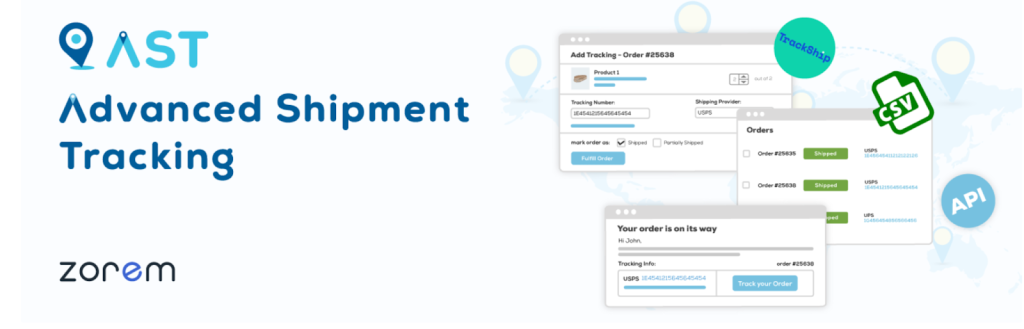
Advanced Shipment Tracking for WooCommerce enhances the post-purchase experience by adding detailed tracking information to customer orders. Customers receive real-time updates about their shipments, improving transparency and reducing support requests.
The plugin supports hundreds of carriers, allowing you to assign tracking numbers and statuses in a consistent format. It also includes customizable email notifications and an order tracking page that fits naturally into the WooCommerce environment.
Store owners benefit from a streamlined workflow that keeps customers informed from dispatch to delivery. By offering clear tracking information, you create a smoother buying experience and help maintain customer satisfaction.
9. Smart Coupons for WooCommerce Coupons
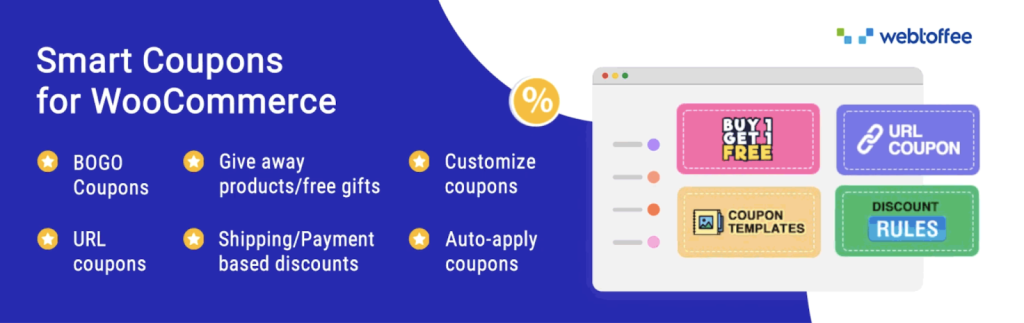
Smart Coupons for WooCommerce gives store owners an advanced toolkit for creating flexible and engaging promotions. With WooCommerce Smart Coupons, you can generate store credits, gift vouchers, bulk coupons, URL coupons, and complex AutomateWoo discount rules tailored to different audiences.
The plugin supports cart conditions, restrictions, buy-one-get-one deals, and auto-apply features that simplify coupon redemption for customers. It integrates seamlessly with WooCommerce, making promotion management easier for both small shops and larger eCommerce operations. There is also a free version for this plugin.
10. YITH WooCommerce Wishlist
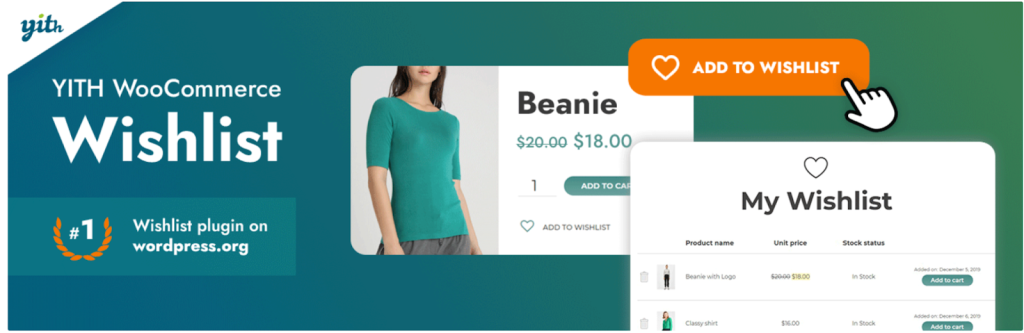
YITH WooCommerce Wishlist adds a wishlist feature that allows shoppers to save products they want to revisit later. With YITH WooCommerce Wishlist, customers can create wishlists and share them with friends or family.
This behavior often leads to higher engagement and more return visits, as shoppers keep track of products they plan to buy. Store owners can analyze wishlist data to understand customer interests and plan targeted promotions. The plugin integrates easily with existing product pages and maintains a clean design that fits most themes. By giving shoppers a way to bookmark favorites, you support a more personalized shopping experience.
11. WooCommerce PDF Invoices, Packing Slips and Credit Notes Plugin
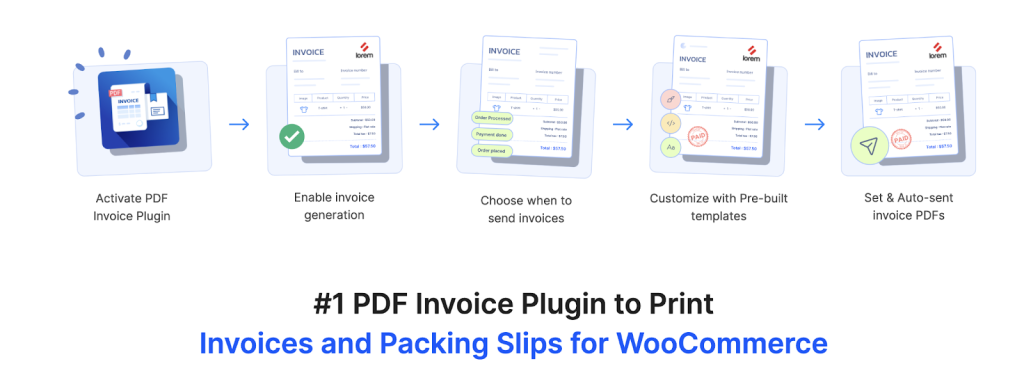
The PDF Invoices and Packing Slips for WooCommerce plugin automates document generation for orders, helping WooCommerce stores maintain consistent and professional records. With this WooCommerce PDF Invoices plugin, you can generate invoices, packing slips, and credit notes automatically and send them to customers via email.
The PDF invoice plugin offers customizable templates that let you include branding elements, order details, signatures, and more. It also integrates with major shipping and accounting tools, reducing the manual work involved in order fulfillment. The plugin is designed to meet regional tax and documentation needs, making it dependable for stores operating in various markets.
12. Customer Reviews for WooCommerce

Customer Reviews for WooCommerce encourages more product reviews by streamlining how customers share their feedback. You can send automated reminders asking buyers to review their purchases. The plugin enhances the default WooCommerce review system with features like aggregated ratings, verified badges, Q&A sections, and photo reviews.
These elements help shoppers make informed decisions and build confidence in your products. The plugin also includes spam filtering and structured data support, improving both security and search visibility. For store owners, the additional feedback provides insights to improve product offerings and customer satisfaction.
13. Germanized for WooCommerce

Germanized for WooCommerce offers enhancements tailored for stores that operate in or sell to customers in Germany. You can add legally required elements like button labels, product information fields, withdrawal forms, and delivery time details.
The plugin aligns your store’s frontend and backend workflows with German ecommerce standards, reducing the risk of compliance issues. It also adds features like invoice numbers, shipping methods, and terms checkboxes to improve the customer experience.
Even if you are not based in Germany, the plugin can be useful for stores that want to follow strict regional guidelines or serve customers across the EU.
14. WooCommerce Gift Cards
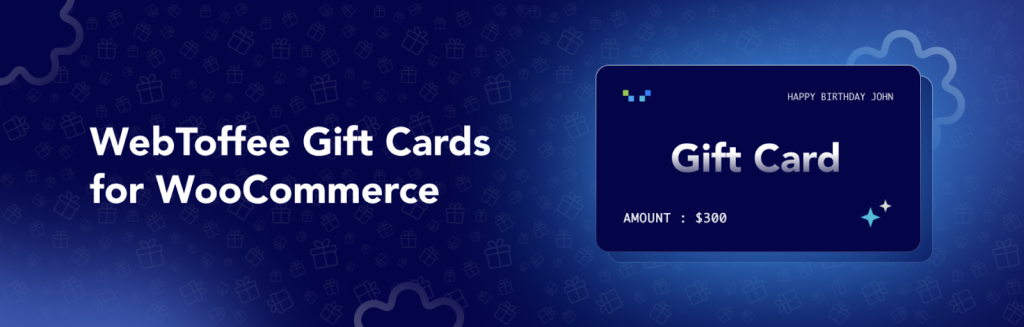
WooCommerce Gift Cards enables stores to offer digital gift cards that customers can purchase and send to others. Shoppers can choose gift card amounts, add personalized messages, and schedule delivery via email.
Gift cards are redeemable during checkout, making them a convenient option for both personal gifting and store credits. The gift card plugin provides detailed management tools where store owners can track balances, expiration dates, and usage history.
It integrates smoothly into product pages, allowing you to treat gift cards like any other product type. This helps stores encourage repeat visits and attract new customers through gifting.
15. Product Import Export Plugin for WooCommerce
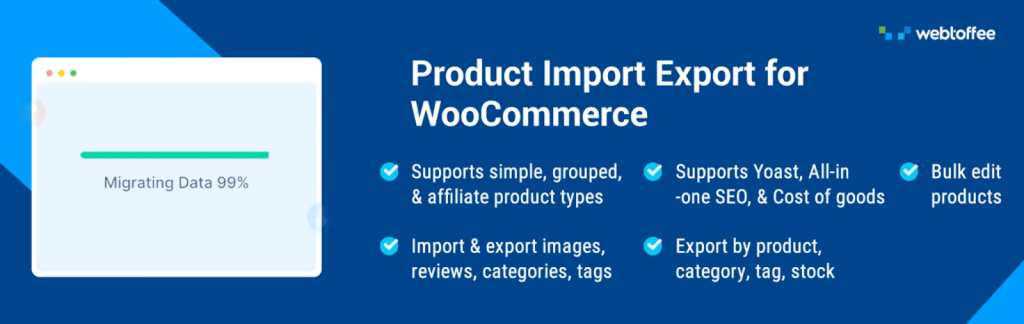
WooCommerce Product Import Export Plugin simplifies bulk product management by enabling fast import and export of product data. The plugin supports CSV, XML, Excel, and TSV file formats and lets you organize product attributes exactly as needed.
Whether you are migrating from another platform, updating thousands of items, or maintaining separate catalogs, the import export plugin reduces manual data entry significantly. It supports simple, variable, and grouped products, making it suitable for stores with diverse inventories. Scheduled import-exports and automated processes help maintain up-to-date backups or sync data with external systems. Its reliability and flexibility make it a key tool for large catalogs.
16. Yoast SEO
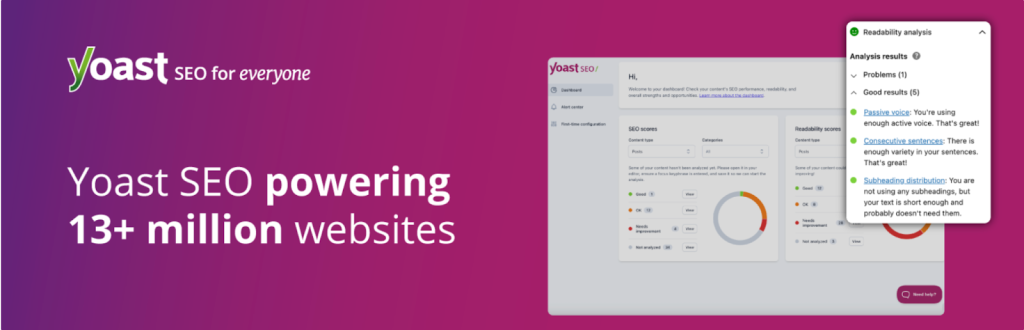
Yoast SEO helps WooCommerce store owners optimize their visibility in search engines. With Yoast SEO, you can improve product titles, descriptions, and metadata using real-time analysis. The plugin evaluates readability, keyword placement, internal links, and schema markup to strengthen your store’s presence in search results.
It also generates sitemaps and manages canonical URLs, preventing duplicate content issues. Yoast integrates with WooCommerce to offer SEO enhancements specifically for product pages, helping shoppers find your items more easily. Its tools guide both beginners and experienced users toward better optimization practices, supporting long-term organic growth.
17. AffiliatePress
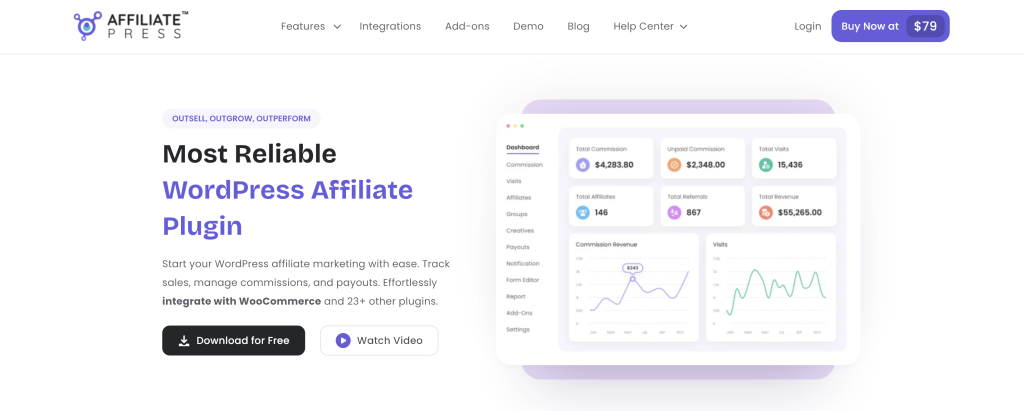
AffiliatePress lets WooCommerce store owners create their own affiliate marketing program for boosting sales. With this WordPress affiliate plugin, you can allow affiliates to promote your brand by giving them unlimited creatives, coupon codes, and QR codes.
The plugin offers a powerful smart AI fraud detection system, so you don’t have to worry about commission loss. And as for commissions, you can create multiple smart commission structures such as lifetime, recurring, tiered-based, multi-level, product-wise and group-wise.
Best of all, AffiliatePress integrates with WooCommerce and 23+ other WordPress plugins in just one-click. You can easily track your WooCommerce sales in real time and have full control over tax and shipping amount. There also is a free version for this plugin to get started.
Conclusion
Choosing the right set of plugins is ultimately about supporting the way your store grows. Each addition should solve a real need and help streamline your day-to-day processes. By combining tools that improve functionality, simplify operations, and strengthen customer relationships, you create a store that’s ready to scale with confidence.
The goal is to build an environment where customers enjoy their shopping experience, and your team can manage the backend with ease in the competitive eCommerce niche.