
Keeping a WooCommerce store organized quickly becomes challenging as orders increase, products expand, and customer expectations rise. Tasks that seem manageable in the early stages, like updating inventory, handling customer data, tracking shipments, or maintaining compliance, can turn into daily bottlenecks without the right systems in place.
Well-chosen WooCommerce plugins act as operational shortcuts rather than add-ons. They take care of repetitive work, introduce smarter workflows, and fill functional gaps that core WooCommerce does not address on its own. From automating bulk product updates to improving checkout efficiency and customer communication, the right plugins help your store operate with far less friction.
Whether your goal is to save time, reduce manual errors, or create a more polished shopping experience, selecting plugins that align with your store’s real needs makes a measurable difference. The following list highlights powerful WooCommerce plugins that simplify store management and support long-term growth in 2026.
Must-Have 15+ WooCommerce Plugins for Managing an eCommerce Store
1. Product Import Export Plugin For WooCommerce
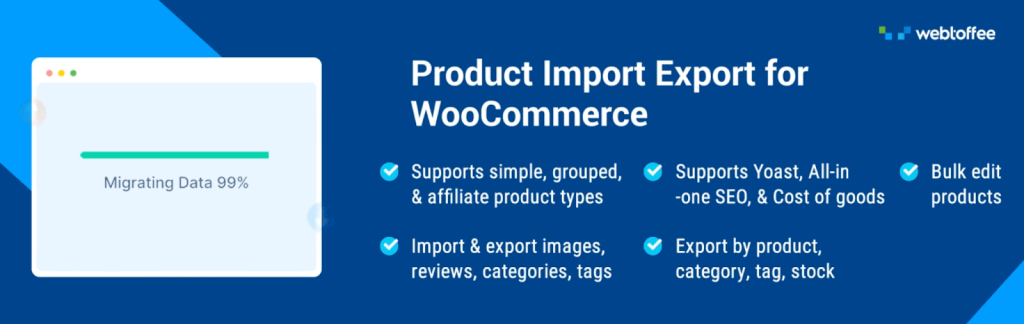
The WooCommerce Product Importer addresses one of the most time-consuming challenges faced by store owners: bulk product management. Instead of manually adding or updating hundreds of products through the WordPress dashboard, this plugin enables you to handle everything through CSV, XML, Excel or TSV files.
You can export your entire product catalog, make changes in a spreadsheet application, and import everything back in minutes. This becomes particularly valuable when migrating from another platform, updating pricing across multiple items, or managing seasonal inventory changes.
The product import export plugin supports all product types, including simple, variable, grouped, and external products, along with their associated data like categories, tags, images, and custom attributes. For stores with large catalogs or frequent inventory updates, this tool transforms what would be hours of manual data entry into a streamlined process that maintains accuracy while saving valuable time. You can schedule the import and export jobs using WordPress Cron and Server Cron. The plugin will handle the import export tasks as per the schedule.
2. Checkout Field Editor for WooCommerce
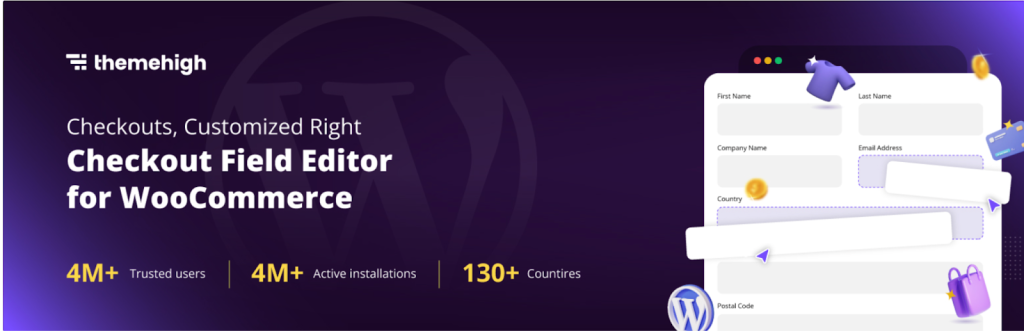
The Checkout Field Editor for WooCommerce gives you complete control over the information you collect during the checkout process. Every business has unique requirements when it comes to customer data, and the default WooCommerce fields don’t always capture what you need.
This plugin allows you to add custom fields, remove unnecessary ones, rearrange the order of existing fields, and even make certain fields conditional based on other selections. You might need to collect business registration numbers for B2B customers, gather gift message information, or add industry-specific fields.
The flexibility extends to field types as well—you can incorporate text inputs, dropdown menus, checkboxes, date pickers, and more. By tailoring the checkout experience to match your business requirements, you reduce friction for customers while ensuring you collect all necessary information for order fulfillment. This customization capability helps create a checkout process that feels professional and perfectly aligned with your brand’s needs.
3. Order Import Export for WooCommerce
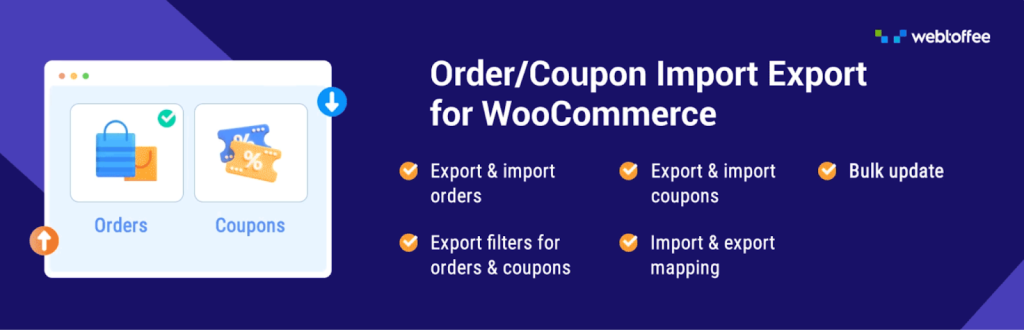
Managing order data efficiently becomes crucial as your store grows, and the WooCommerce Import Orders provides the tools to handle this at scale. This plugin enables bulk export and import of order information through CSV, XML, Excel or TSV files. You might need to migrate orders from a previous platform, share order data with your accounting software, or create backups of historical transactions.
The order import export plugin captures comprehensive order details, including customer information, product data, order status, payment methods, and shipping information. When importing orders, you can create new orders or update existing ones based on order IDs, giving you flexibility in how you manage your data.
For businesses that need to synchronize order information across multiple systems or maintain detailed records for compliance, this plugin eliminates tedious manual work. The ability to filter exports by date range, order status, or other criteria means you can extract exactly the data you need without sifting through irrelevant information.
4. HubSpot

The HubSpot plugin bridges the gap between your WooCommerce store and comprehensive customer relationship management. While WooCommerce handles transactions beautifully, understanding customer behavior beyond the purchase requires deeper insights.
This integration automatically syncs customer data, purchase history, and interaction details with HubSpot’s CRM platform. You gain visibility into the complete customer journey, from their first website visit through multiple purchases and support interactions.
This holistic view enables personalized email marketing campaigns based on purchase behavior, automated follow-up sequences for abandoned carts, and targeted promotions for specific customer segments.
The plugin also includes live chat functionality, allowing you to engage with potential customers in real-time while they browse your store. For businesses focused on building long-term customer relationships rather than just processing transactions, this integration provides the foundation for sophisticated marketing automation and customer engagement strategies that drive repeat purchases and increase lifetime customer value.
5. WooCommerce PDF Invoices, Packing Slips and Credit Notes Plugin
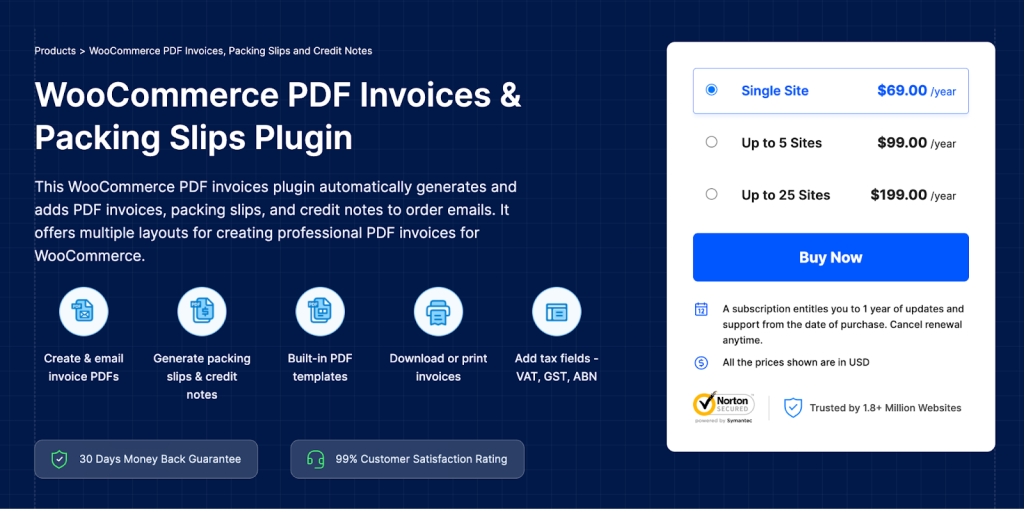
Professional documentation is essential for any legitimate ecommerce operation, and the PDF invoices & packing slips for WooCommerce automates this crucial aspect of order management. This plugin automatically generates properly formatted PDF documents for invoices, packing slips, and credit notes that can be attached to order confirmation emails or accessed through the customer account area.
You can customize invoices with your company logo, branding colors, custom footer text, and specific fields relevant to your business or legal requirements. For businesses operating in regions with strict invoicing regulations, this WooCommerce invoice plugin helps maintain compliance by including all necessary information like tax identification numbers and sequential invoice numbering.
The automation eliminates the manual task of creating these documents for each order, reducing errors and presenting a professional image to customers. Warehouse staff benefit from standardized packing slips that clearly display order contents, while customers receive properly formatted invoices for their accounting records, enhancing the overall professionalism of your operation.
6. Widgets for Google Reviews

Building trust with potential customers requires social proof, and the Widgets for Google Reviews bring your hard-earned Google reviews directly onto your website. Rather than hoping customers will search for your business on Google to read reviews, this plugin displays them prominently on your store pages where purchasing decisions are made.
You can showcase reviews in various formats, including badges, sliders, grids, or lists that match your site’s design. The widgets update automatically as you receive new reviews, ensuring the displayed content stays current without manual intervention.
This visibility serves multiple purposes—it reassures hesitant shoppers by demonstrating that others have had positive experiences, it improves your site’s credibility, and it can even contribute to SEO performance.
For businesses that have invested time in building a strong Google review profile, this plugin ensures that valuable social proof doesn’t go to waste. The strategic placement of review widgets on product pages, the homepage, or checkout pages can significantly impact conversion rates by addressing customer concerns at critical decision-making moments.
7. User Import Export for WooCommerce
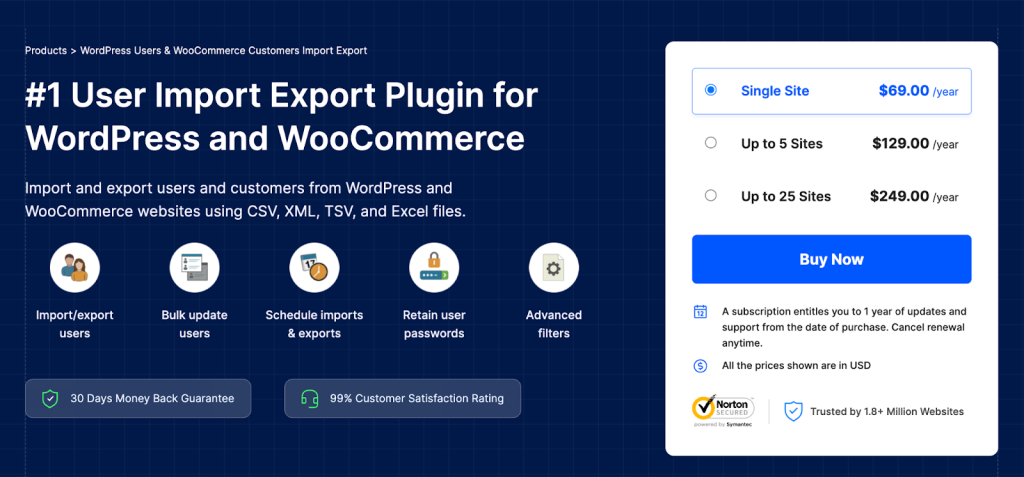
Customer data management extends beyond individual profiles, and the WordPress Export Users plugin simplifies bulk import export of user accounts. Whether you’re migrating from another platform, setting up wholesale customer accounts with specific pricing tiers, or managing a large membership base, this plugin handles user data efficiently through CSV, XML, Excel, and TSV files. You can transfer complete customer profiles, including billing and shipping addresses, account metadata, user roles, and custom fields.
This becomes particularly valuable when restructuring your customer base, implementing new customer segmentation strategies, or consolidating data from multiple sources. The user import export plugin maintains data integrity during transfers, ensuring that customer information remains accurate and complete.
8. Germanized for WooCommerce

Operating an online store in German-speaking markets requires compliance with specific legal requirements, and Germanized for WooCommerce ensures your store meets these standards. German consumer protection laws mandate particular information displays, price presentation formats, and checkout processes that differ from other markets.
This plugin modifies your WooCommerce store to include legally required elements such as small business regulation notices, proper price display with unit pricing, delivery time indicators, and compliant checkout confirmation processes.
It also handles the creation of legally required pages like terms and conditions, privacy policy, and cancellation policy with appropriate templates. The plugin manages tax calculations according to German requirements and ensures that invoices include all necessary legal information.
9. Advanced Shipment Tracking for WooCommerce
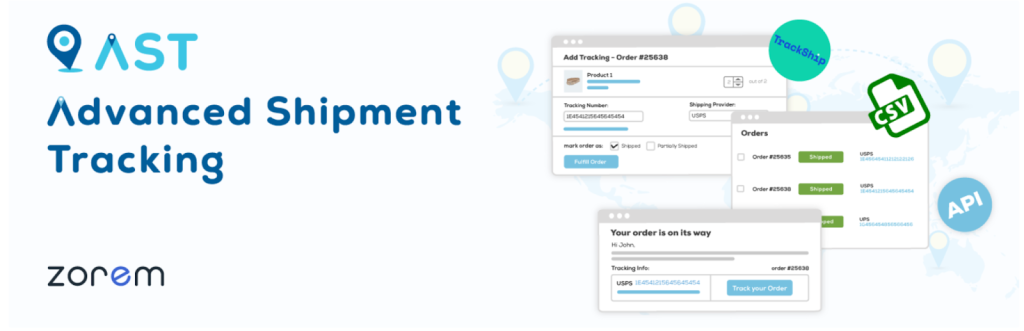
Keeping customers informed about their order status reduces support inquiries and improves satisfaction, and Advanced Shipment Tracking for WooCommerce handles this communication automatically.
Once you add tracking information to an order, the plugin can automatically send customers an email with their tracking number and a direct link to the carrier’s tracking page. Customers can also view tracking information directly from their account area on your website, reducing the need to contact support for shipment updates.
The plugin supports hundreds of shipping carriers worldwide, ensuring compatibility regardless of your shipping methods. You can customize the tracking emails to match your brand and include additional information like estimated delivery dates.
For stores shipping numerous orders daily, this automation eliminates the repetitive task of manually sending tracking information to customers. The improved transparency helps manage customer expectations by giving them visibility into their order’s journey, which is particularly valuable during peak shopping seasons when customers are more anxious about delivery timing.
10. YITH WooCommerce Wishlist
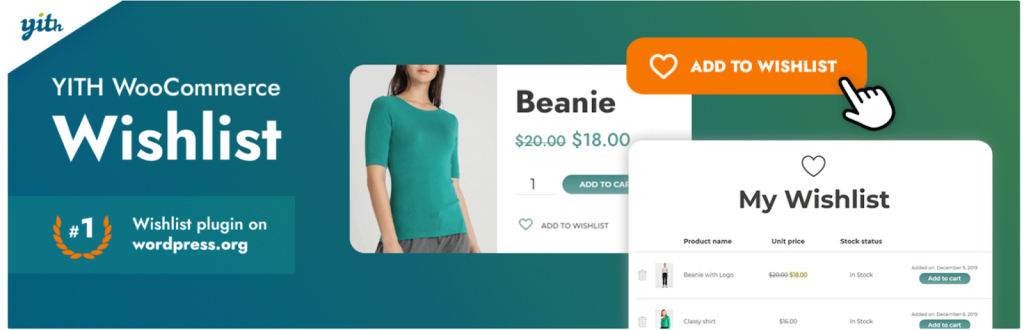
Wishlist functionality transforms browsing into tangible sales opportunities, and YITH WooCommerce Wishlist adds this valuable feature to your store. Customers can save products they’re interested in for later consideration, which is particularly useful during research phases or when planning future purchases.
The ability to create and share wishlists makes gift-giving easier, as customers can send their wishlist to friends and family members. From a business perspective, wishlists provide valuable insights into customer preferences and product interest, even when those items haven’t been purchased yet.
You can use this data to inform inventory decisions, create targeted marketing campaigns for items sitting in wishlists, or send reminder emails about wishlist items when they go on sale. The plugin offers flexibility in how wishlists are displayed and managed, with options for public or private lists.
For stores selling gift items, seasonal products, or higher-priced items that require consideration time, wishlist functionality bridges the gap between initial interest and eventual purchase, keeping your products top-of-mind for customers throughout their buying journey.
11. Customer Reviews for WooCommerce

Customer Reviews for WooCommerce plugin enhances the native review functionality with additional features that boost credibility and engagement. This plugin extends standard reviews by adding photo and video upload capabilities, allowing customers to share visual proof of their purchases and experiences.
This visual content proves far more persuasive than text alone, helping potential buyers understand exactly what they’re getting. The plugin includes review reminders that automatically email customers after their purchase, increasing the likelihood of receiving feedback. You can also implement review incentives, offering discounts or rewards for customers who leave reviews, which helps build your review base more quickly.
The enhanced review system includes features like upvoting helpful reviews, filtering by rating, and verified purchase badges that increase trust. For businesses competing in crowded markets, a robust collection of detailed, authentic reviews with photos creates differentiation and provides the social proof necessary to convert hesitant shoppers.
The plugin also helps with SEO by generating rich snippets that can display star ratings in search results, potentially improving click-through rates from search engines.
12. Yoast SEO
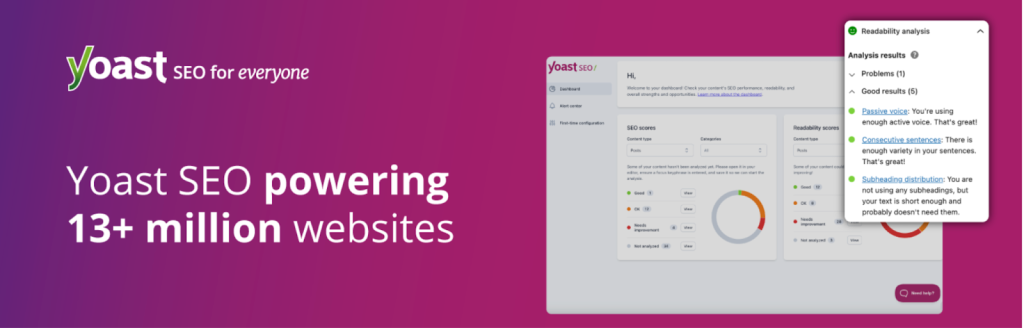
Search engine visibility determines how many potential customers discover your store, and Yoast SEO provides comprehensive tools to optimize your WooCommerce site for search engines. While technical SEO forms the foundation, this plugin guides you through optimizing individual product pages, category pages, and content with real-time analysis and actionable recommendations.
It evaluates factors like keyword usage, content readability, meta descriptions, and title tags, providing specific suggestions for improvement. The plugin automatically generates XML sitemaps that help search engines discover and index your pages efficiently, and it handles technical aspects like canonical URLs that prevent duplicate content issues.
For product-heavy sites, the plugin’s schema markup capabilities ensure that search engines understand your content properly, which can lead to rich search results displaying product ratings, prices, and availability directly in search listings. The readability analysis helps ensure that your product descriptions and content aren’t just optimized for search engines but also easily understood by human readers.
For store owners who want to reduce reliance on paid advertising by building organic search traffic, this plugin provides the guidance and technical infrastructure necessary to improve search rankings systematically over time.
13. WPForms
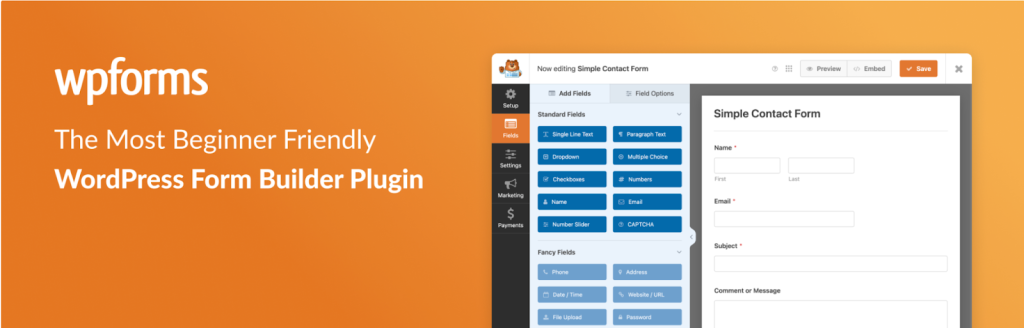
Contact forms serve as critical communication channels between your business and customers, and WPForms makes creating sophisticated forms accessible to users without technical skills. The drag-and-drop interface allows you to build contact forms, quote request forms, survey forms, or any custom form your business needs.
Pre-built templates accelerate the process by providing starting points for common form types that you can customize to match your requirements. The plugin includes smart conditional logic that shows or hides form fields based on user responses, creating dynamic forms that adapt to each user’s situation.
Form entries are stored in your WordPress database and can trigger email notifications to relevant team members, ensuring prompt responses to customer inquiries. Integration with email marketing services means you can automatically add form respondents to mailing lists, building your marketing database through various touchpoints on your site.
14. TrustPulse

Social proof influences purchasing behavior more than most product features, and TrustPulse leverages this psychological principle through real-time activity notifications. Small notification pop-ups appear on your site showing recent customer actions like purchases, sign-ups, or downloads, demonstrating that other people are actively engaging with your business.
These notifications create urgency and reduce hesitation by showing that others trust your store enough to make purchases. The “fear of missing out” effect becomes particularly powerful when customers see that products they’re considering are being purchased by others. You maintain full control over what activities are displayed, how notifications appear, and which pages show them, allowing you to tailor the experience to your brand.
The plugin tracks impressions and conversions, providing data on how social proof notifications impact your bottom line. For new stores still building their reputation or established stores looking to increase conversion rates, these subtle credibility indicators work in the background to reinforce trust without being intrusive.
The real-time nature of notifications ensures authenticity—customers can see that your store has genuine activity, which proves more convincing than static testimonials or claims about customer satisfaction.
15. Dokan

Expanding your single-vendor store into a multi-vendor marketplace opens new revenue streams, and Dokan provides the infrastructure to make this transformation possible. This plugin converts your WooCommerce store into a platform where multiple vendors can register, create their own storefronts, list products, and manage their sales—all while you maintain overall control and earn commissions on transactions.
Each vendor receives a dedicated dashboard for managing their products, orders, and store settings, creating a self-service model that scales without proportional increases in administrative workload. You set the commission structure, determine which products require approval before going live, and establish the rules that govern the marketplace.
This model works particularly well for niche markets where bringing together specialized sellers creates a more comprehensive shopping destination than any single vendor could offer. The plugin handles complex aspects like splitting payments between vendors and the marketplace, managing vendor withdrawal requests, and tracking individual vendor performance.
16. Accessibility Tool Kit

WebYes Accessibility Toolkit helps website owners improve accessibility without any coding. It aligns with standards such as WCAG 2.1, ADA, and EAA, and allows site owners to apply accessibility-friendly configurations across WordPress and WooCommerce websites.
In addition to this, WebYes also offers a Chrome accessibility checker extension that helps identify common accessibility issues such as missing alt text, low contrast, and keyboard navigation gaps. There is also a WordPress accessibility widget plugin that allows visitors to adjust font size, contrast, cursor size, spacing, and other visual settings to improve readability and usability. While these tools do not guarantee full legal compliance, they help follow accessibility best practices and create a more inclusive user experience.
Conclusion
A well-structured WooCommerce store is built on systems that support consistency, speed, and clarity across every stage of the customer journey. When daily operations are streamlined, teams spend less time fixing issues and more time improving the overall shopping experience and business performance.
Small improvements in workflow often create long-term advantages. Faster order handling reduces customer frustration, clearer communication builds trust, and organized data makes better decision-making possible. Over time, these efficiencies compound, helping your store remain stable even as traffic, orders, and expectations grow.
The key lies in identifying operational gaps early and addressing them with solutions that scale alongside your business. With the right foundation in place, growth feels controlled rather than chaotic, allowing you to focus on strategy, customer relationships, and sustainable success well into the future in the evolving eCommerce niche.