

Share buttons are one of the few things on a blog that can bring traffic without any work from you, but the wrong plugin loads a pile of scripts on every page and slows the site more than the shares are worth. The plugins below are the ones still maintained in 2026, compared on what they add to page weight, where they can place buttons, and what they cost. Several of the old favorites are gone: AddThis shut down in 2023 and MashShare was removed from WordPress.org in 2025.
One general note: share counts are mostly dead. Facebook and X no longer provide reliable public counts, so do not choose a plugin for its counters.
Social Sharing Plugins Compared
| Plugin | Installs | Page Weight | Price |
|---|---|---|---|
| Social Snap | 10K+ | Light, lazy loaded | Free, Pro from $39/yr |
| Novashare | Premium | Very light (about 5 KB) | From $19.95/yr |
| Hubbub (formerly Social Pug) | 30K+ | Light | Free, Pro $99/yr |
| Monarch | Premium | Medium | $89/yr with Elegant Themes |
| Easy Social Share Buttons | 33K+ sales | Medium to heavy | $59 one-time |
| Sassy Social Share | 100K+ | Light | Free, Premium add-ons |
| AddToAny | 300K+ | Light | Free |
| Scriptless Social Sharing | 10K+ | Lightest (no JavaScript) | Free |
| Ultimate Blocks | 50K+ | Light, block only | Free, Pro yearly |
| Social Warfare | 10K+ | Medium | Free, Pro $29/yr |
1. Social Snap
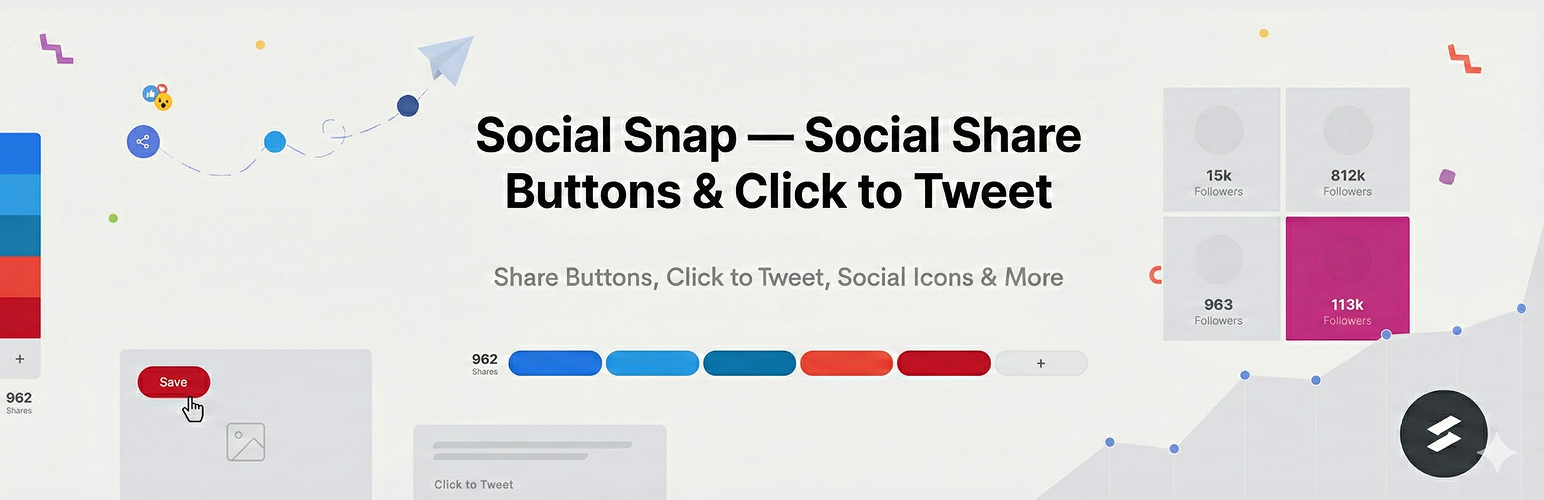
Social Snap remains the most complete sharing plugin: floating sidebar, inline buttons, share bar, buttons on images, click-to-tweet boxes, follow buttons, and social meta tags for how posts look when shared, all with lazy-loaded assets. Pro adds the auto-poster and boost-old-posts add-ons for X and LinkedIn, social login, and a content locker. The free version covers inline and sidebar buttons for the main networks.
Key features:
- Sidebar, inline, share bar, and on-image buttons
- Click to tweet and social meta tags
- Auto-post and boost old posts (Pro)
- Social login and content locker (Pro)
- Lazy loaded for speed
Pricing: Free. Pro $39 per year (1 site), Pro Plus $99 (3 sites), Agency $299 (15 sites).
2. Novashare

Novashare is built by the team behind Perfmatters with one goal: share buttons that add almost nothing to page load. The whole plugin weighs about 5 KB and uses inline SVG icons, no external requests. It still covers inline and floating buttons, click-to-tweet, Pinterest image pins, and share counts where networks allow. If site speed is your first concern, this is the one.
Key features:
- About 5 KB total, no external requests
- Inline and floating buttons
- Click to tweet and Pinterest pins
- Clean, minimal styling
- From $19.95 per year
Pricing: $19.95 per year (1 site), $49.95 (3 sites), $99.95 (unlimited).
3. Hubbub (formerly Social Pug)

Social Pug was renamed Hubbub. Hubbub Lite is free with inline and floating buttons for four networks and a clean design; Pro adds more networks, Pinterest pin buttons on images, click-to-tweet, share counts, and A/B tested button layouts. It is well maintained (30,000+ installs, updated September 2026) and lighter than most.
Key features:
- Free inline and floating buttons
- Pinterest image buttons (Pro)
- Click to tweet and share counts (Pro)
- Light and well maintained
- Pro $99 per year
Pricing: Free. Pro $99 per year, Pro+ $179.
4. Monarch

Monarch is Elegant Themes\’ sharing plugin and comes with the Divi membership. It places buttons in the sidebar, inline, in a pop-up, a fly-in, or on images, with triggers such as scroll depth or time on page for the pop-ups, plus follow buttons with live counts and a stats dashboard. You cannot buy it alone, so it makes sense if you already use Divi or Bloom.
Key features:
- Sidebar, inline, pop-up, fly-in, and on-image buttons
- Trigger-based pop-ups
- Follow buttons and stats
- Included with Divi membership
- Not sold separately
Pricing: $89 per year or $249 lifetime with the Elegant Themes membership (includes Divi and Bloom).
5. Easy Social Share Buttons

Easy Social Share Buttons (ESSB) is the best-selling sharing plugin on CodeCanyon with 33,000+ sales and updates every few weeks. It has more display options than anything else here (50+ networks, 30+ positions, pop-ups, bars, WooCommerce displays, subscribe forms) and a one-time price. The trade-off is weight; use its settings to load only what you need.
Key features:
- 50+ networks and 30+ display positions
- Pop-ups, bars, and WooCommerce buttons
- Subscribe forms and click to tweet
- 33,000+ sales, updated September 2026
- One-time price
Pricing: $59 regular license on CodeCanyon.
6. Sassy Social Share

Sassy Social Share is a free plugin with 100,000+ installs that supports 100+ networks, inline and floating buttons, and share counts for networks that still offer them. It is GDPR-friendly and light. The developer sells premium add-ons for more styles and features rather than a Pro version.
Key features:
- 100+ networks
- Inline and floating buttons
- GDPR options
- 100,000+ installs
- Free, add-ons optional
Pricing: Free. Premium add-ons sold separately.
7. AddToAny

AddToAny is the most installed sharing plugin on WordPress.org (300,000+) and the one to use when you want buttons that work and nothing else. Inline and floating buttons, 100+ networks, a universal share menu, and no account or Pro upsell. It is light and has been maintained for over a decade.
Key features:
- 300,000+ installs
- Inline and floating buttons
- Universal share menu
- No account needed
- Completely free
Pricing: Free.
8. Scriptless Social Sharing

Scriptless Social Sharing does exactly what the name says: share buttons that are plain links with inline SVG icons and no JavaScript at all, styled by a small stylesheet you can turn off. It has a 5-star rating and is updated regularly. No counts, no pop-ups, no tracking; just buttons that cost your page nothing.
Key features:
- No JavaScript
- Inline SVG icons
- Block and shortcode
- 5-star rating
- Free
Pricing: Free.
9. Ultimate Blocks
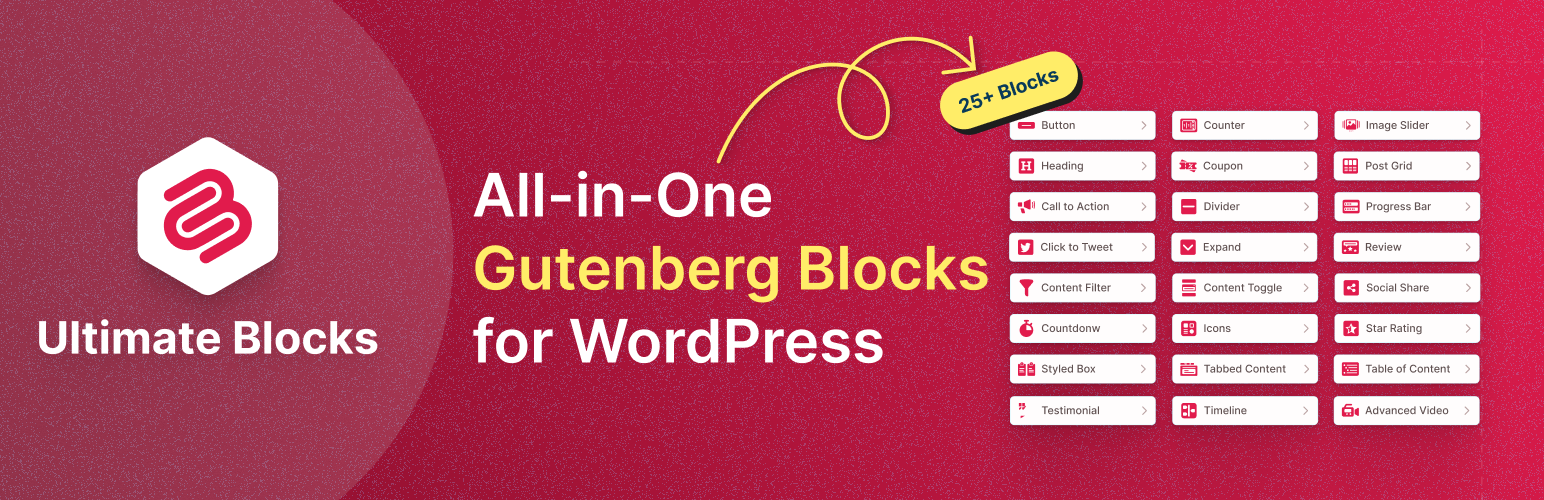
If you write in the block editor, Ultimate Blocks\’ Social Share block puts share buttons exactly where you want them in a post, with size, shape, and color options, as part of a library of 25+ blocks (tables, reviews, click to tweet, table of contents). There is no floating sidebar, so it suits bloggers who want inline buttons at the end of posts without another plugin.
Key features:
- Social Share block for the block editor
- Size, shape, and color controls
- Part of a 25+ block library
- Click to Tweet block included
- Free, Pro adds blocks
Pricing: Free. Pro sold yearly.
10. Social Warfare

Social Warfare was once the go-to premium plugin for its Pinterest features and share count recovery. It still works and offers inline and floating buttons, custom Pinterest images and descriptions, and click-to-tweet, but updates have slowed (last in March 2025) and its WordPress.org rating has dropped. Consider it only if you rely on its Pinterest options; otherwise Social Snap or Hubbub cover the same ground.
Key features:
- Inline and floating buttons
- Custom Pinterest images and descriptions
- Click to tweet
- Share count recovery
- Updates have slowed
Pricing: Free. Pro $29 per year (1 site), $89 (5 sites).
Which Social Sharing Plugin Should You Choose?
- Most features: Social Snap.
- Fastest: Novashare (paid) or Scriptless Social Sharing (free).
- Free and simple: AddToAny.
- Block editor only: Ultimate Blocks.
- Already own Divi: Monarch.
Whichever you pick, show four or five networks at most (the ones your readers use), place buttons at the end of the post where people have finished reading, and check your page speed before and after installing.
Frequently Asked Questions
Do social share buttons slow down WordPress?
They can. Plugins that load each network’s own script (the way AddThis used to) add hundreds of kilobytes. Modern plugins use inline SVG icons and simple share links; Novashare, Scriptless Social Sharing, AddToAny, and Hubbub add very little.
Why do my share counts show zero?
Facebook and X stopped providing public share counts, so most plugins can no longer display them. Pinterest and a few others still work. Hide counts rather than show zeros.
Which networks should I include?
Facebook, X, LinkedIn, Pinterest (for visual content), WhatsApp (on mobile), and a copy-link button cover most readers. More buttons lower the share rate, not raise it.
What is the best free social sharing plugin?
AddToAny for the widest network support, Scriptless Social Sharing for the lightest footprint, and Hubbub Lite or Social Snap free for a more polished design.
What happened to AddThis and MashShare?
AddThis was shut down by Oracle in 2023 and its buttons stopped working. MashShare was removed from WordPress.org in 2025. If you still have either installed, replace it with one of the plugins above.


Leave a Reply