

Star ratings under a search result catch the eye and can noticeably increase your click-through rate. Google calls them review snippets, and they come from structured data (schema markup) on your page. A WordPress plugin can add that markup for you, no code needed.

Updated October 2026: WP Review Pro, WP Product Review, Rating-Widget, SNIP, and WP SEO Structured Data Schema have been discontinued and were replaced with plugins that are still maintained.
Before You Start: When Google Shows Stars
Adding a plugin does not guarantee stars. Google decides, and its rules are stricter than when this post was first written:
- Only some content types qualify, such as products, software, recipes, books, courses, and movies. Generic blog posts and articles do not get stars.
- No self-serving reviews. A business cannot mark up reviews of itself (LocalBusiness or Organization) on its own site and get stars.
- The rating must be visible on the page and match the markup, and it must be a genuine review or real user ratings.
- Quality matters. Google may still choose not to show stars, especially on new or low-trust sites.
Test any page with Google’s Rich Results Test after adding markup.
Star Rating Plugins Compared
| Plugin | Price | Rating Type | Best For |
|---|---|---|---|
| Rank Math | Free, Pro paid | Author | Sites already using Rank Math |
| Ultimate Blocks | Free | Author | Review boxes in the block editor |
| Schema Pro | Paid | Author | Automated schema across many posts |
| All In One Schema Rich Snippets | Free | Author and users | Simple, free markup |
| Schema & Structured Data for WP | Free, Pro paid | Author and users | Many schema types |
| Site Reviews | Free | Users | Collecting reader reviews |
| kk Star Ratings | Free | Users | Simple reader star voting |
| YASR | Free, Pro paid | Author and users | Multi-criteria ratings |
| Like Button Rating | Free | Users (likes) | Like buttons |
| WooCommerce | Free | Customers | Online stores |
1. Rank Math

If you already use Rank Math for SEO, you may not need another plugin. Its Schema Generator lets you add Product, Review, Software, Recipe, Book, and Course schema with ratings to any post, with templates in the Pro version. It is used on more than 4 million sites.
Key features:
- Schema built into your SEO plugin
- Many schema types with ratings
- Free version is enough for most blogs
Price: Free, Pro is paid. Advanced schema templates need Pro.
2. Review Block by Ultimate Blocks
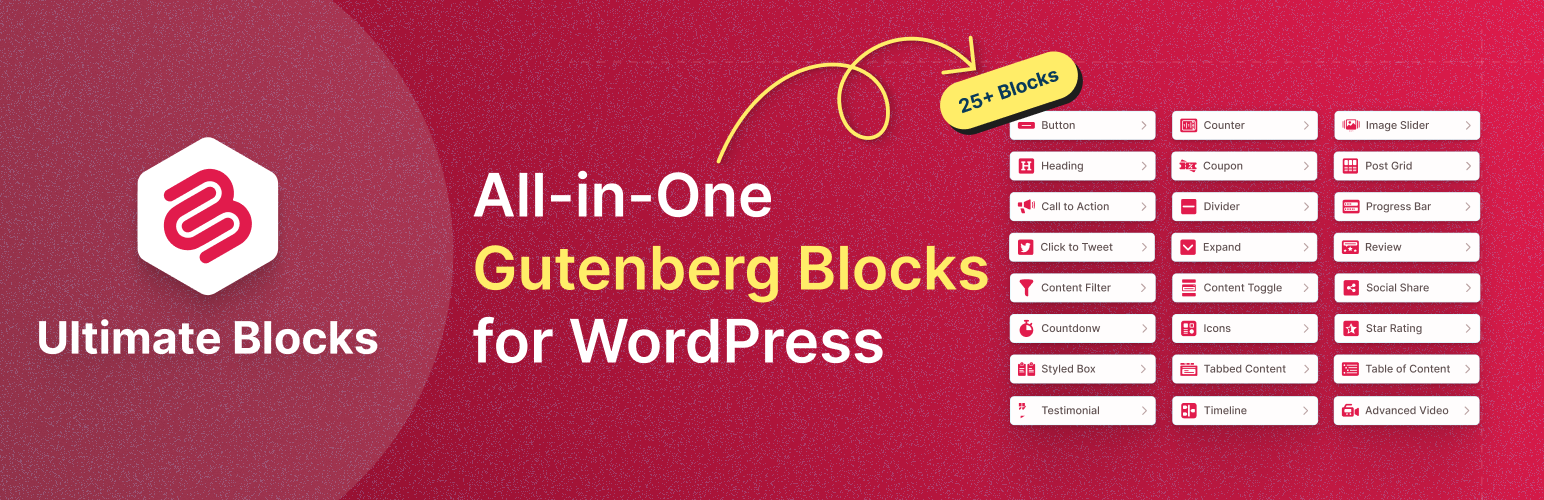
Ultimate Blocks includes a schema-enabled Review block for the WordPress block editor. Add rating criteria, and the overall star rating is calculated automatically. You can edit the title, summary, colors, and call-to-action button visually, and the block outputs Product, Book, Course, Software, and other review schema. We build and use it here at RoadToBlogging.
Key features:
- Visual review box in the editor
- Automatic overall score
- Review schema built in
Price: Free. Author ratings only, not reader reviews.
3. Schema Pro

Schema Pro, from the team behind the Astra theme, automates schema markup. Set rules once (for example, Review schema on every post in the Reviews category) and it applies the markup across your site. It supports more than 20 schema types including Review, Product, Software, Recipe, and Course.
Key features:
- Automates schema by rules
- 20+ schema types
- Works with any theme
Price: Premium only.
4. All In One Schema Rich Snippets

A simple free plugin from the Schema Pro developers. Pick a content type (Review, Product, Recipe, Software, Article, and more) in the post editor, fill in the fields, and it adds the markup. It also supports user ratings.
Key features:
- Very easy to use
- Free
- Several content types
Price: Free. Fewer options than Schema Pro.
5. Schema & Structured Data for WP & AMP
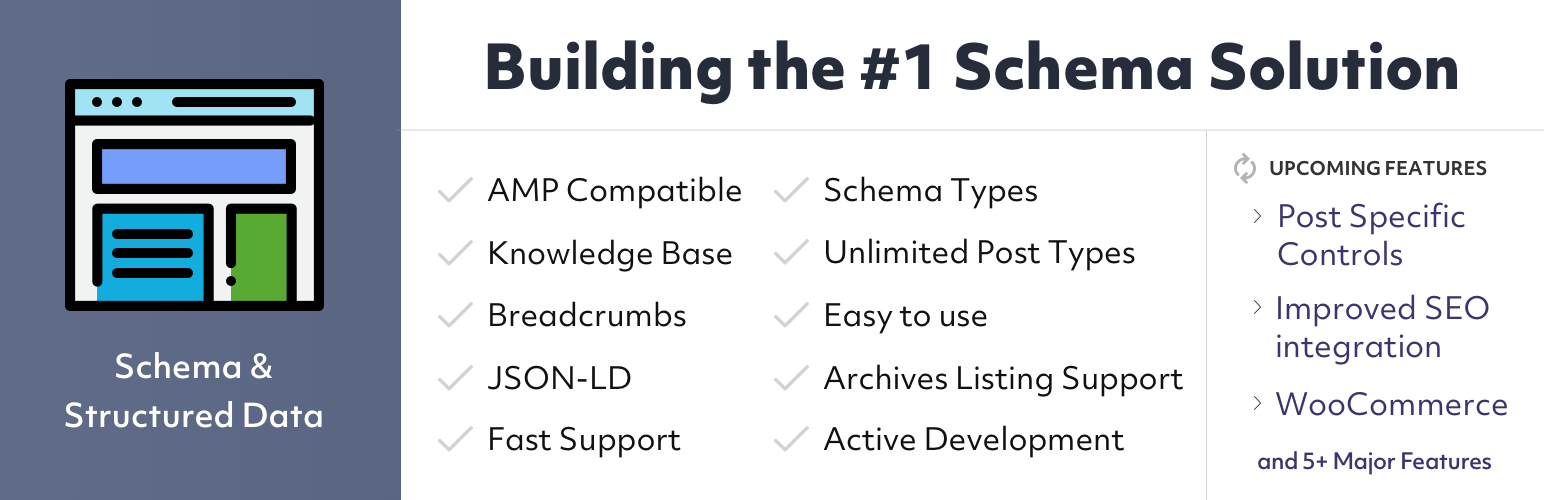
With more than 100,000 active installs, this plugin supports dozens of schema types, imports reviews from Google and other platforms (Pro), adds rating boxes, and works with AMP. It has many options, so it suits people who want full control.
Key features:
- Dozens of schema types
- Review collection and display
- Compatible with other SEO plugins
Price: Free, Pro is paid. Settings can feel complex.
6. Site Reviews

Site Reviews lets your readers submit reviews and star ratings with a form, and displays them with schema markup. You can moderate reviews and assign them to posts, pages, or products.
Key features:
- Reader review submission form
- Moderation and spam protection
- Schema for reviews
Price: Free, with paid add-ons.
7. kk Star Ratings

kk Star Ratings adds a simple star voting widget to posts and pages so readers can rate them in one click. It is lightweight and easy to set up. Keep in mind Google only shows stars for eligible content types.
Key features:
- One-click reader ratings
- Lightweight
- Shortcode and auto placement
Price: Free.
8. YASR: Yet Another Star Rating

YASR lets you add an author rating, visitor ratings, or multi-criteria ratings (for example, price, quality, support) and outputs schema for supported types. Design options are basic, but it is reliable and free.
Key features:
- Author and visitor ratings
- Multi-criteria rating sets
- Schema support
Price: Free, Pro is paid. Limited design options.
9. Like Button Rating

Like Button Rating adds customizable like and dislike buttons to posts, pages, comments, WooCommerce products, and more, with dozens of themes, voting statistics, and a most-liked content widget. Likes are not star reviews, so they will not produce review stars on their own.
Key features:
- Like and dislike buttons
- Most-liked widget and stats
- GDPR compliant
Price: Free, with paid plans for advanced features.
10. WooCommerce Product Reviews
If you sell products, WooCommerce already includes customer reviews and star ratings, and adds Product schema with ratings automatically. You may not need any extra plugin.
Key features:
- Built into WooCommerce
- Verified owner reviews
- Product schema with ratings
Price: Free.
Which Star Rating Plugin Should You Use?
- Writing product or software reviews: Ultimate Blocks Review block, or Rank Math if you use it already.
- Many review posts to mark up at once: Schema Pro.
- Collecting reviews from readers: Site Reviews.
- Simple reader voting: kk Star Ratings or YASR.
- Online store: WooCommerce’s built-in reviews.
Want more ways to improve your posts? See these table of contents plugins.
Frequently Asked Questions
Why are my star ratings not showing in Google?
Common reasons: the content type is not eligible (for example, a normal blog post), the reviews are self-serving, the markup has errors, or Google has not recrawled the page. Check the page in the Rich Results Test and the Enhancements reports in Search Console.
Can I show stars on every blog post?
No. Google only shows review stars for specific types such as products, software, recipes, books, and courses. Marking up ordinary articles with ratings can lead to a manual action for spammy structured data.
Do I need a separate plugin if I use an SEO plugin?
Often not. Rank Math includes review and product schema, and WooCommerce adds product ratings automatically. Use only one tool to output review schema on a page to avoid duplicate markup.


Leave a Reply